Manage documents across Microsoft 365 with M-Files
Connect the Microsoft 365 tools your teams already use with advanced document management, automated workflows and the business context provided by M-Files.
M-Files is an enterprise document management system (DMS) that adds business context, process automation, governance and greater control over business-critical documents across your Microsoft 365 environment.
Your teams can continue working in Teams, Outlook and Office applications, while M-Files provides structure, control and document lifecycle management in the background.
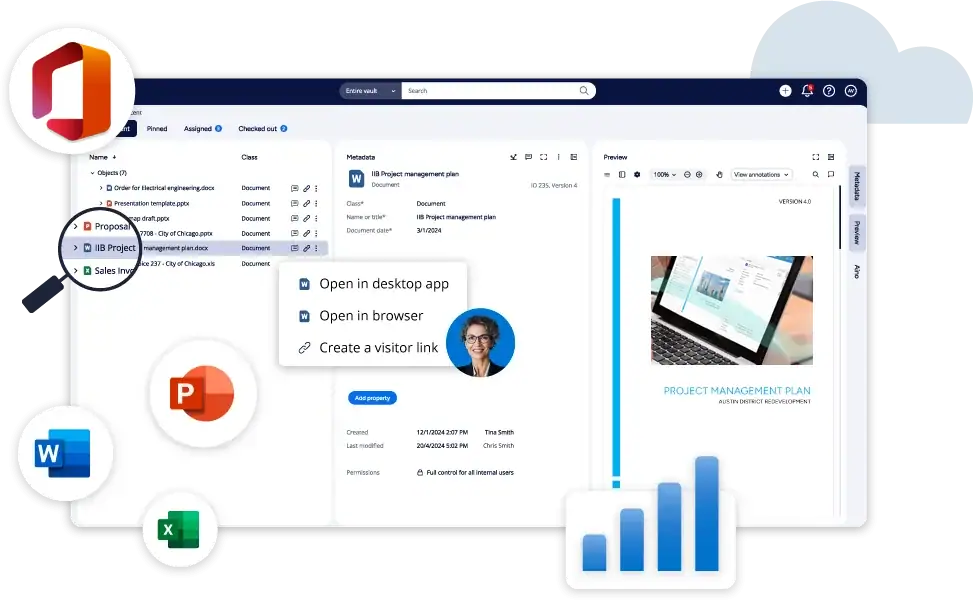
Microsoft tools for everyday work. M-Files for managing business information.
Microsoft 365 gives teams the tools to communicate, collaborate and work together on documents. M-Files complements that environment when documents need to follow structured business processes, comply with defined governance rules or connect with information from other systems.
M-Files is designed to work with Microsoft 365, and managed content can be stored natively within the Microsoft 365 environment.


M-Files does not replace the Microsoft 365 tools your teams already know. It adds the structure and control needed to manage business-critical documents and processes.
Access documents where work already happens
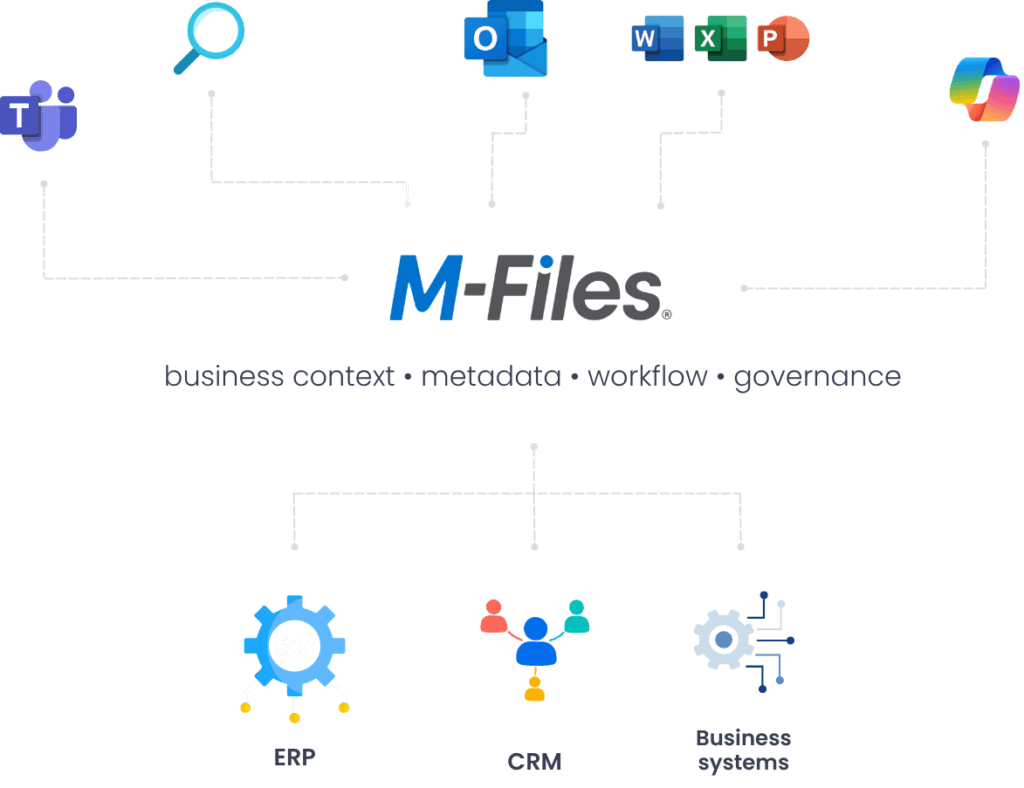
M-Files connects documents, business context, processes and governance across the Microsoft 365 tools your teams already use. Users stay in a familiar environment, while M-Files connects information with the processes, relationships, and rules behind it.
More than an integration: M-Files-managed content can be stored natively within Microsoft 365 and accessed through familiar Microsoft applications and experiences.
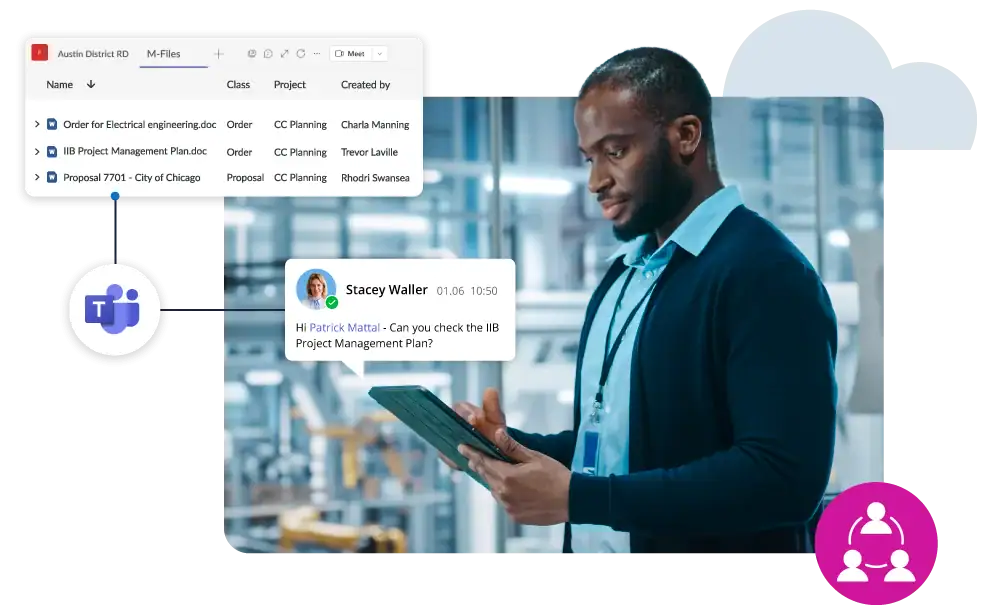
Microsoft Teams
Access relevant, controlled documents directly from Teams. M-Files connects content with a customer, project, contract or other business context, regardless of the Teams channel a user is working in.
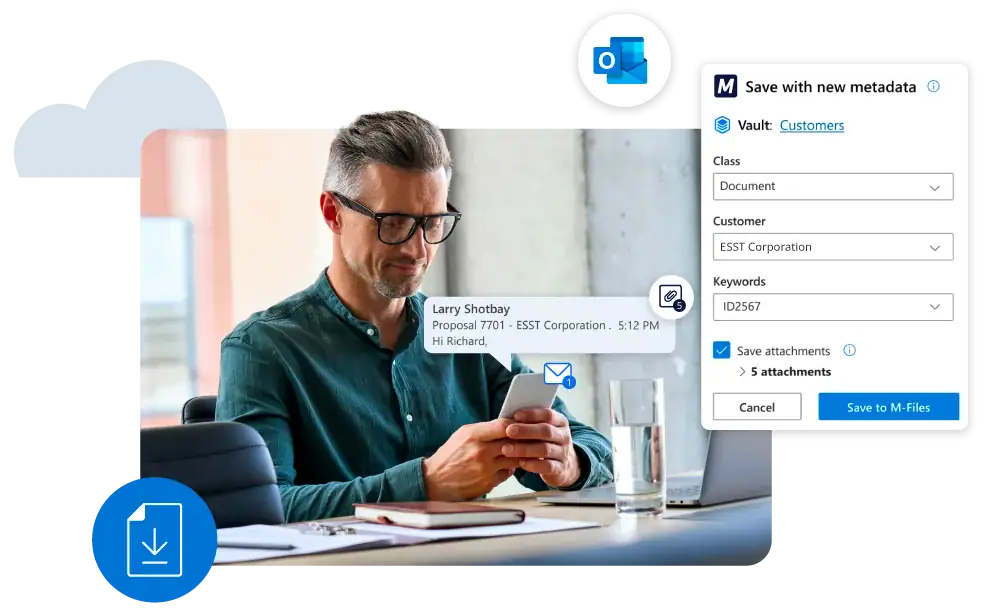
Microsoft Outlook
Save important emails and attachments from Outlook directly into the right business context. M-Files connects them with a customer, project, contract or process so business-critical information does not remain isolated in individual inboxes.
Word, Excel i PowerPoint
Continue creating and editing documents in familiar Office applications. In the background, M-Files manages versions, metadata, permissions and the document lifecycle.
Microsoft SharePoint
M-Files extends SharePoint with metadata-driven document management, business context, workflow automation, records management and governance.
Documents can be connected to customers, contracts, projects and other business processes, making information easier to find and manage.
M-Files complements SharePoint. It does not replace it.
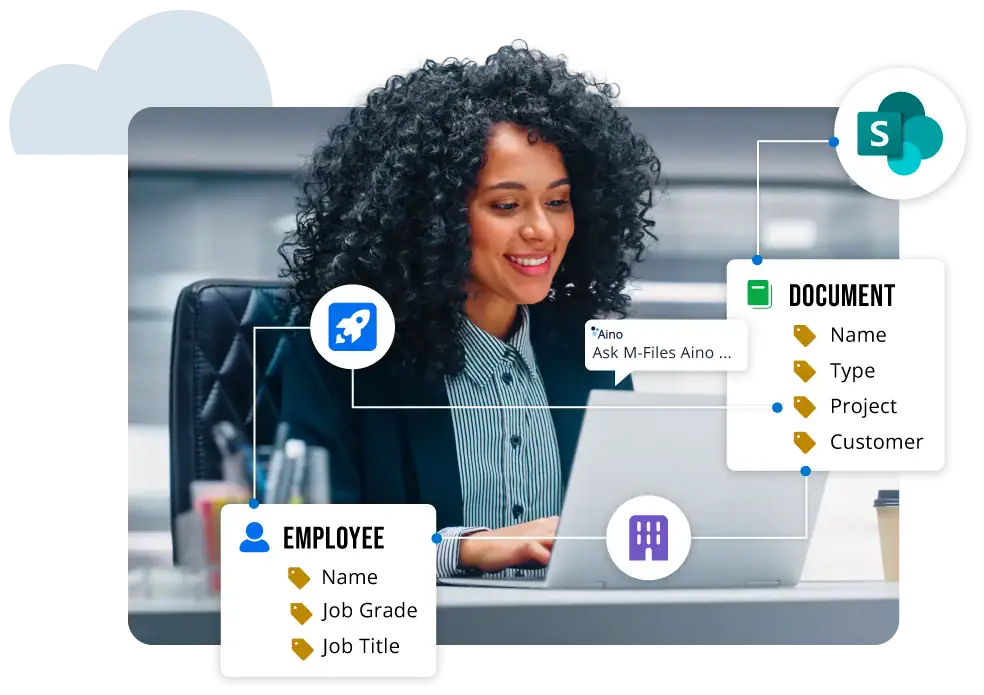
Microsoft Search
M-Files makes managed business information available through Microsoft Search. Users can find relevant documents and information from within the familiar Microsoft 365 environment while M-Files preserves business context, metadata and access permissions.
Microsoft 365 Copilot
M-Files helps Copilot work with better-organized and controlled business information. Documents are enriched with metadata, business context and relationships to other information while maintaining defined access permissions.
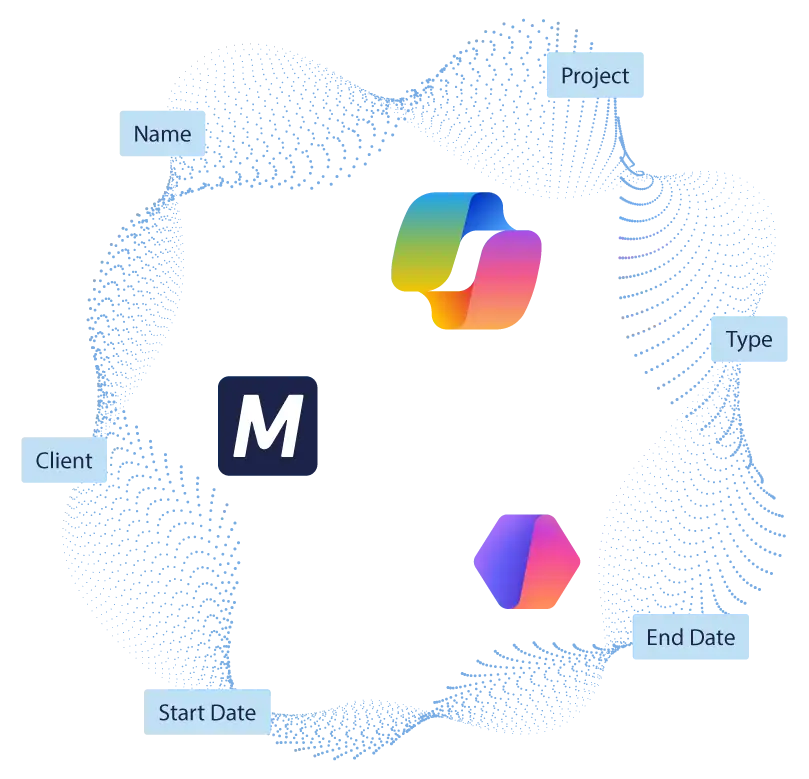
More than document storage and collaboration
As the number of documents, users, processes and connected systems grows, organizations need greater control over their business information.
M-Files adds the capabilities needed to manage documents throughout their entire lifecycle.
Organize documents by what they represent - a customer, project, contract, supplier or other business information - rather than only by where they are stored.
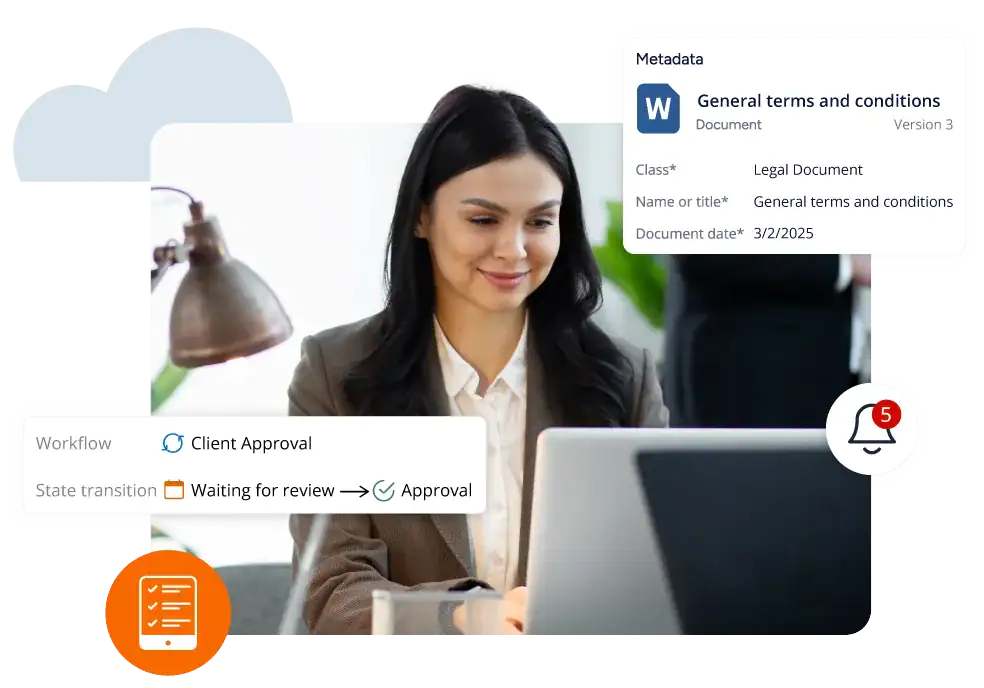
Standardize approvals, reviews, status changes and other document-intensive processes.
Manage versions, permissions, deadlines, document lifecycles and other rules for business-critical information.
Connect documents with information from ERP, CRM and other business systems to give users the full business context.
A document is more than a file
In M-Files, a document is not simply a file stored in a particular location. It is connected to its business context - customers, projects, responsible people, statuses, deadlines and information from other systems.
Customer → Contract → Approval → Signature → Deadline → Renewal
Supplier → Invoice → Purchase Order → Approval → ERP
Project → Document → Version → Owner → Status
Document → Registration → Processing → Owner → Status → Archive
M-Files connects documents with the processes and business context around them, while users continue working through the Microsoft 365 tools they use every day and information remains connected with ERP, CRM and other business systems.
Better AI starts with better organized information
Microsoft 365 Copilot is only as useful as the information it can access - and how relevant, structured and properly controlled that information is.
M-Files enriches documents with metadata, business context, relationships and governance rules. This gives organizations a stronger information foundation for Microsoft 365 Copilot and other AI use cases while maintaining defined permissions and governance.
M-Files expertise for complex document and process environments


Unitfly implements M-Files solutions for document, process and information management.
M-Files delivers the greatest value when it is properly aligned with your processes, integrations and users. Unitfly combines deep technical expertise with more than a decade of experience delivering complex M-Files implementations and integrations.

Frequently asked questions
Answers to common questions about how M-Files connects Microsoft 365 tools, documents and business information.
Microsoft 365 provides tools for productivity, communication, collaboration and working with content. M-Files adds an enterprise layer for document and information management - including business context, metadata, workflows, lifecycle management, records management, permissions and governance.
M-Files does not require another separate SharePoint site or document silo. With Microsoft 365 Storage, M-Files-managed documents can be stored within the Microsoft 365 tenant using SharePoint Embedded.
Users can continue working in Teams, Outlook, SharePoint and Office applications, while M-Files manages the business-critical information and processes that connect them.
M-Files reduces the need for users to know which system, folder, Teams channel or SharePoint location contains a particular document.
Instead, documents and other information are connected with business context, such as a customer, project, contract, supplier or process, so users can find information based on what it represents and what it is related to.
This creates a consistent way to manage and access information even when users continue working across different Microsoft 365 applications and connected business systems.
M-Files adds business context, metadata, workflows and governance while the organization retains the advantages of the Microsoft ecosystem.
An email saved from Outlook, a document edited in Word or content accessed through Teams can all be connected to the same customer, project, contract or business process.
Instead of each Microsoft application becoming a separate information silo, M-Files connects content through shared metadata, business relationships, permissions and processes.
Users can work in the application that best fits the task while M-Files maintains the structure and context behind the information.
M-Files complements it with metadata-driven document management, workflow automation, records management, lifecycle controls, advanced permissions and business context.
This becomes particularly valuable when it is not enough to know where a document is stored, but also which customer, project, contract or process it belongs to and what status it is currently in.
For example, a contract can be connected with a customer from the CRM, an invoice with a supplier and purchase order from the ERP, or technical documentation with a project or piece of equipment.
Users get the business context they need without manually piecing together information from several separate systems.
The solution can then expand to additional processes and departments based on the organization’s priorities.
Get more from your Microsoft 365 environment
If your document processes still depend on email, manual steps, folders or information scattered across multiple systems, show us how the process works today.
We will show you how M-Files can connect it with Microsoft 365 and your other business systems.