From procurement to payment - without delays, document hunting or errors
Connect procurement, invoices, contracts, approvals and ERP data in one controlled P2P process. Keep every document, responsibility and audit record available exactly when it is needed.




Where does the P2P process most often get stuck?
The invoice is in the ERP, the purchase order is in an email, the contract is on SharePoint, and the delivery confirmation is stored somewhere in a folder. Your team spends valuable time searching for documents instead of processing invoices.
Invoices and approval requests are passed from one person to another. It is difficult to see who needs to act, what has already been approved, and who is responsible for the next step.
When something goes wrong - a duplicate invoice, an amount that does not match the contract, or a missing delivery confirmation - resolving the issue can take weeks.
When an auditor asks for documentation, your team needs to find the invoice, purchase order, contract, delivery confirmation, and approval records. When these documents are spread across folders and inboxes, gathering the evidence takes far too long.
Your ERP can show that an invoice has been received, posted, or paid. But it often does not show why the invoice was approved, who confirmed delivery, or which documents supported the decision.
Procurement knows what was ordered. Finance sees the invoice. The approver needs enough information to make a decision. When this information is disconnected, everyone can see their own part of the process - but nobody has the full picture.
The problem is not that the documents do not exist. The problem is that they are not connected to the decisions they are meant to support.
Do these situations sound familiar?
In this webinar in Croatian, we explain why invoice-processing problems often originate in the broader P2P process—and show how to connect procurement, finance, documents and ERP data in one controlled workflow.
M-Files connects documents, approvals and ERP data in one P2P process
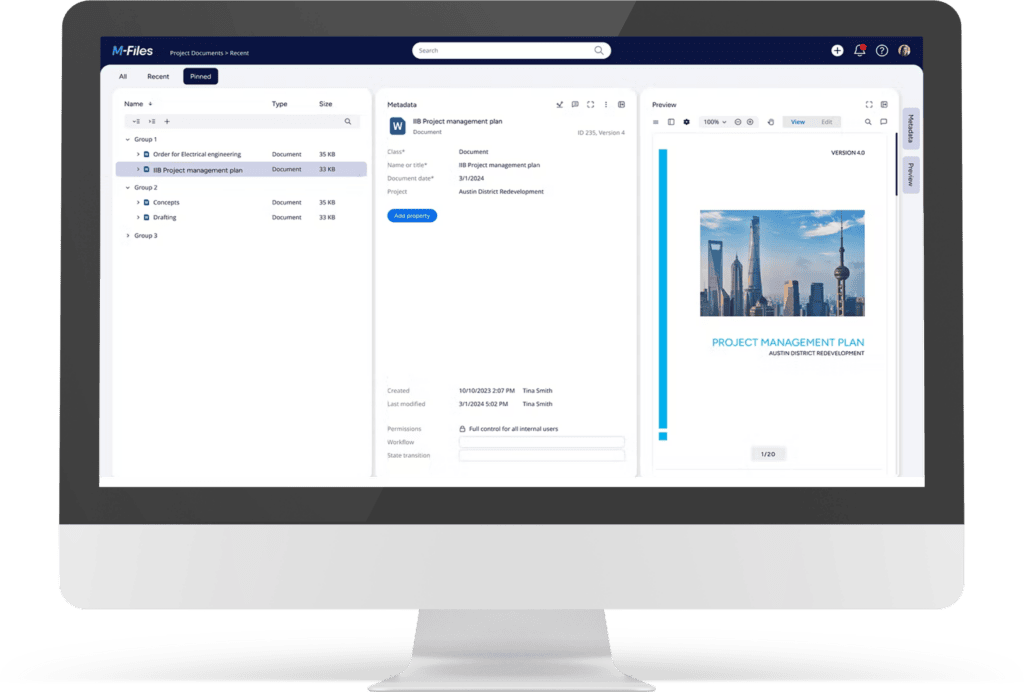
M-Files organizes P2P documentation around real business context:
the supplier, purchase order, contract, invoice, approval, project, cost center or ERP record.
Instead of storing documents as disconnected files across folders, inboxes and ERP attachments, M-Files connects each document to the process it belongs to.
Every document has clear business context. Every approval has a responsible owner. And every step automatically contributes to a complete audit trail.
Which processes does a P2P solution connect?
The P2P process connects every step from purchase requests to payment, including procurement documents, contracts, approvals, incoming invoices, archiving, and ERP integration.
Centralize purchase requests, purchase orders, contracts and related documentation.
Get a clear view of what was ordered, who approved the purchase, and which documents support the business decision.
Accelerate invoice capture, classification, approval and archiving.
Connect invoices with purchase orders, contracts, delivery confirmations and ERP data, so finance teams have the information they need to make decisions faster.
Connect contracts, amendments and supplier terms with invoices and procurement documents.
Quickly verify pricing, deadlines, obligations and payment terms before approving an invoice.
Centralize purchase requests, purchase orders, contracts and related documentation. Get a clear view of what was ordered, who approved the purchase, and which documents support the business decision.
Learn moreAccelerate invoice capture, classification, approval and archiving. Connect invoices with purchase orders, contracts, delivery confirmation and ERP data, so finance teams have the information they need to make decisions faster.
Learn moreConnect contracts, amendments and supplier terms with invoices and procurement documents. Quickly verify pricing, deadlines, obligations and payment terms before approving an invoice.
Learn moreHow the P2P process works in M-Files
From receiving an invoice, purchase order or contract to approval, posting and archiving, every document gets the right business context, every task has a responsible owner, and every step remains visible and traceable.
An invoice, purchase order, contract or delivery confirmation enters M-Files - whether it arrives by email, as a scanned document, from the ERP or through another system. M-Files automatically classifies and indexes the document and connects it to the correct business context.
Once the document has been received and connected to the correct context, M-Files automatically starts the appropriate workflow. An invoice can be sent for verification or approval, tasks are assigned to the right people, deadlines are tracked, and users receive notifications when action is required. Everyone knows exactly what they need to do - without chasing emails.
Every document, comment, decision and approval remains recorded in the system. Finance, procurement and approvers can see where the process currently stands, who needs to take action, and which documents support each decision. The audit trail is created automatically, without additional manual record-keeping. The result is clear visibility across the entire process from purchase requisition to payment.
Key benefits of a controlled P2P process
When invoices, purchase orders, contracts, approvals and ERP data are connected, teams no longer need to waste time searching for information or manually checking process status. The process becomes faster, clearer and more transparent.
• Less manual work
• Faster approvals
• Clear responsibilities
• Faster exception handling
• Automatic audit trails
• Controlled access rights
• Documentation always available
• Easier compliance with less manual effort
• ERP integration without replacing your existing system
• A strong foundation for AI and automation
• Scalable solution
• Faster ROI
Everything in one place. Processes that move faster.
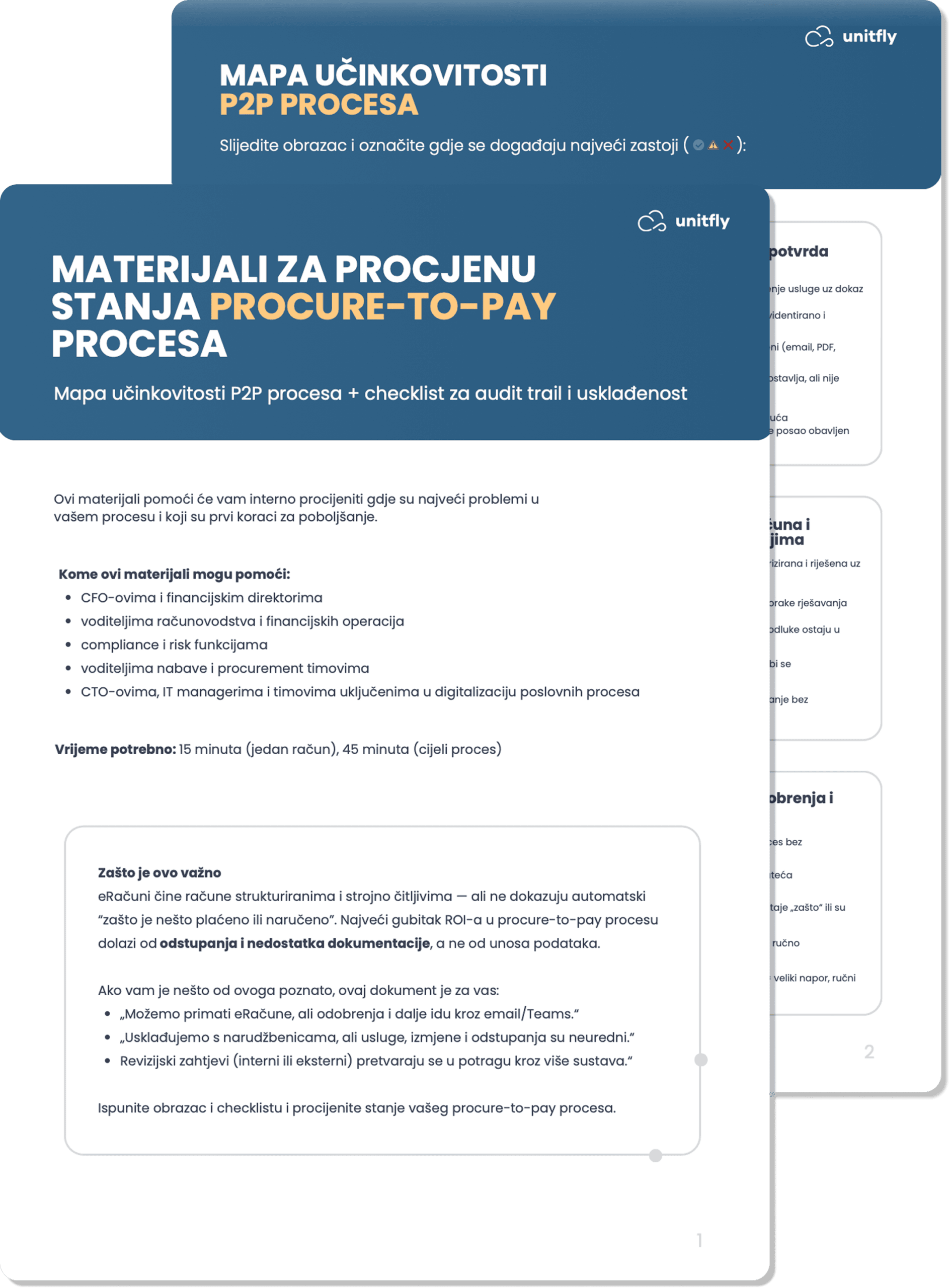
See where your P2P process is losing time and control
Download our assessment in Croatian to identify the biggest bottlenecks in your current process and determine where to start improving it.
Frequently asked questions
Answers to common questions about the P2P process, the role of ERP, and how M-Files connects documents, approvals and audit trails.
But when the process involves multiple documents, departments, document versions, contractual terms, goods receipts or detailed audit trails, an additional document and process layer becomes valuable.
M-Files complements the ERP by connecting documents, approvals and business context with transactional ERP data.
It delivers the greatest value when documents are structured, connected to the right business context, and accessible only to authorized users.
Want to see where your P2P process is losing time?
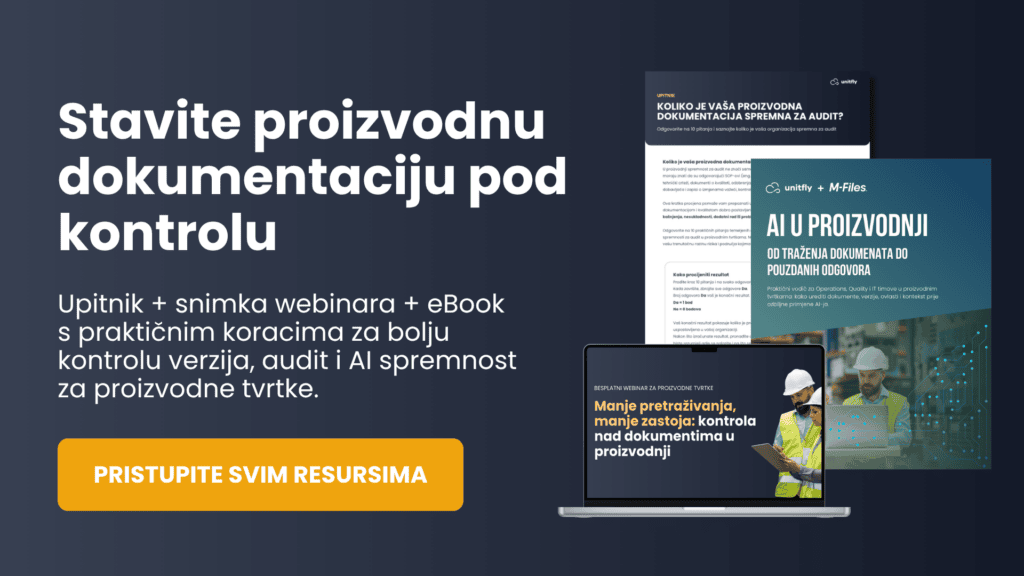
Download the P2P assessment resources (in Croatian) or schedule a consultation with the Unitfly team. Together, we can review your procure-to-pay process and identify where better document management and automation can make the biggest difference.